TrueNAS: A Free NAS Solution for Businesses
1. What is TrueNAS?
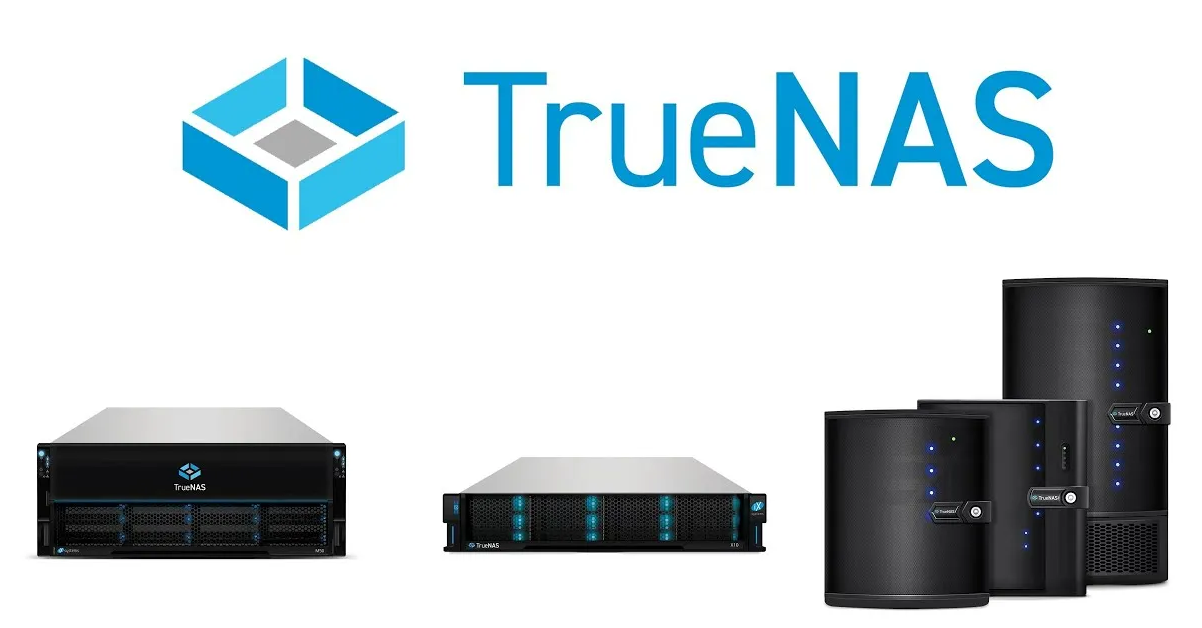
TrueNAS is a network-attached storage (NAS) platform built around OpenZFS. It allows organizations to use suitable x86 hardware or existing servers to build centralized storage. TrueNAS Community Edition is available as free software and is well suited to small businesses, IT teams, homelabs, and technically capable organizations that can operate their own infrastructure.
The value of TrueNAS is not limited to zero software license fees. Its OpenZFS foundation provides checksumming, snapshots, replication, and data-integrity mechanisms. TrueNAS also supports storage protocols such as SMB, NFS, iSCSI, and S3, and modern Community Edition releases can run applications, containers, and virtual machines depending on the workload and configuration.
2. Why should businesses consider TrueNAS?
For small and medium-sized businesses, the cost of a commercial NAS can include hardware, software licenses, advanced features, and support. TrueNAS Community Edition allows organizations to repurpose suitable x86 servers and build centralized storage without software license fees.
· No software license fee for TrueNAS Community Edition.
· Can run on suitable x86_64 hardware, including repurposed systems.
· OpenZFS provides checksums, snapshots, replication, and data-protection mechanisms.
· Supports SMB for Windows/macOS/Linux, NFS for Unix/Linux environments, and iSCSI for block storage.
· Can integrate with Active Directory, LDAP, and user-management mechanisms.
· Provides Web UI, CLI, API, SNMP, and Syslog capabilities for administration and monitoring.
· Modern Community Edition releases support Apps, Docker containers, and virtual machines.
3. OpenZFS – the key foundation of TrueNAS
OpenZFS is one of the most important components of TrueNAS. Instead of providing only file-sharing capabilities, ZFS combines storage-pool and filesystem management with checksums, copy-on-write, snapshots, replication, and data-integrity mechanisms.
Organizations can design pools using layouts such as Mirror or RAIDZ1/RAIDZ2/RAIDZ3. The appropriate layout should be selected based on drive count, required capacity, performance, and the desired level of fault tolerance.
Snapshots are particularly useful for recovering from accidental deletion or restoring earlier versions of data. However, snapshots are not an independent backup. Organizations should still maintain backups on another system or in another location.
4. Common storage protocols
| Protocol | Typical use |
| SMB | File sharing for Windows, macOS, and Linux; suitable for business file servers. |
| NFS | File sharing for Linux/Unix and systems that require NFS. |
| iSCSI | Block storage for servers, hypervisors, and systems that require LUNs. |
| S3 | S3-compatible object storage/API for suitable applications and workflows. |
5. TrueNAS in a business environment
TrueNAS can serve as a file server, backup repository, virtual-machine storage platform, centralized data repository, or application storage system. In VMware, Proxmox, Linux, and Windows environments, organizations can use SMB, NFS, or iSCSI according to the architecture.
A simple deployment may consist of one TrueNAS server with multiple drives, 1/10/25 GbE networking depending on requirements, SMB shares for users, and NFS/iSCSI for servers. For critical systems, organizations should add UPS protection, appropriate storage devices, monitoring, backups, and a disaster-recovery plan.
6. Hardware requirements
According to the current TrueNAS Community Edition hardware guidance, the recommended baseline includes a compatible x86_64 processor, 8 GB of RAM, an SSD boot device of approximately 20 GB, and at least two identically sized devices for a storage pool with redundancy. This is only a baseline; systems serving many users, iSCSI workloads, virtual machines, or demanding applications may require additional memory and CPU resources.
TrueNAS recommends avoiding USB flash drives and unsuitable storage devices as production boot media. For data drives, organizations should select storage devices appropriate for NAS/ZFS workloads and carefully consider CMR versus SMR technology before deployment.
7. Advantages
· Low software licensing cost: Community Edition is provided free of charge.
· OpenZFS provides strong data-integrity and storage-management capabilities.
· Supports multiple protocols: SMB, NFS, iSCSI, and S3.
· Snapshots and replication support data-protection strategies.
· Can make use of existing x86 server hardware.
· Provides a Web UI and multiple administration and monitoring tools.
8. Important considerations
· Free software does not mean the entire NAS solution is free: businesses still need to invest in servers, drives, UPS systems, networking, and backups.
· Community Edition is well suited to teams that can operate it themselves; organizations requiring SLAs, professional support, and specialized enterprise capabilities should evaluate TrueNAS Enterprise.
· ZFS pool design should be planned carefully from the beginning; capacity alone should not be the only consideration. Redundancy, IOPS, and expansion requirements also matter.
· Snapshots do not replace backups.
· A single TrueNAS server should not be treated as a complete disaster-recovery or high-availability solution for mission-critical data.
9. Is TrueNAS suitable for businesses?
Yes, depending on the requirements. For small and medium-sized businesses that need a file server, backup storage, NFS/iSCSI storage, or an internal data repository, TrueNAS Community Edition can be a strong option when the organization has sufficient IT skills to operate the platform.
For environments that require high SLAs, vendor support, high availability, or specialized enterprise features, businesses should evaluate TrueNAS Enterprise or other commercial NAS/SAN platforms. The comparison should focus on total cost of ownership rather than software license price alone.
10. Example deployment models
A basic architecture:
Users/Servers → Network Switch → TrueNAS → OpenZFS Storage Pool → HDD/SSD
For backup:
Production Servers → Backup Software → TrueNAS Backup Storage → Replication/Offsite Backup
For virtualization:
Hypervisor → NFS/iSCSI → TrueNAS Storage Pool
These architectures should be combined with a 3-2-1 backup strategy, capacity monitoring, and drive-failure alerting.
11. Conclusion
TrueNAS Community Edition is a compelling free NAS platform for organizations that want control over their data and lower software licensing costs. With OpenZFS, SMB, NFS, iSCSI, S3, snapshots, replication, and support for applications, containers, and virtual machines, TrueNAS can address a wide range of requirements from file servers to virtualization storage.
However, production deployments still require appropriate hardware, redundancy, UPS protection, monitoring, and backups. TrueNAS should be viewed as a powerful and flexible storage platform, not as a replacement for an organization’s entire data-protection strategy.